

How to Make a Website Mobile Friendly for Google: The Ultimate Mobile SEO Checklist
Introduction
More than 60% of global website traffic now comes from mobile devices, which means your website must perform flawlessly on smartphones and tablets. If your site isn’t optimized for mobile, visitors will quickly leave, and Google may lower your rankings.
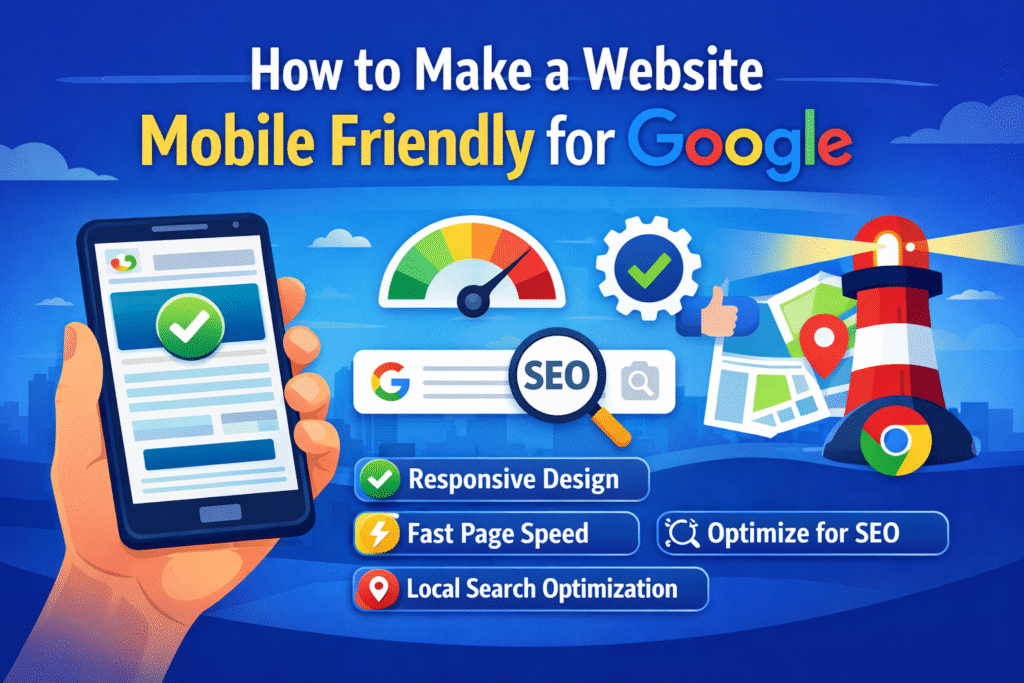
This is why understanding how to make a website mobile friendly for Google is critical for modern SEO. Since Google introduced mobile-first indexing, the search engine primarily evaluates the mobile version of your website to determine rankings.
A mobile-friendly website loads quickly, displays properly on all screen sizes, and provides a smooth user experience. Websites that fail to meet these standards often suffer from higher bounce rates, slower conversions, and reduced visibility in search results.
In this guide, you’ll learn a complete mobile SEO checklist to optimize your website for performance, usability, and higher rankings.
Why Mobile Optimization Matters for SEO
1. Google Uses Mobile-First Indexing
Google now indexes websites based on their mobile version first. If your mobile site lacks content, speed, or usability, it can directly affect your rankings.
According to Google’s official documentation, mobile-first indexing ensures that users get the best experience when browsing on smartphones.
2. Better User Experience
Mobile users expect fast-loading pages and easy navigation. A poor mobile experience leads to:
- Higher bounce rates
- Lower engagement
- Reduced conversions
Optimizing your mobile site ensures visitors stay longer and interact with your content.
3. Mobile Performance Affects Rankings
Google considers Core Web Vitals a ranking factor. These metrics evaluate the real user experience on your website.
The three main Core Web Vitals include:
- Largest Contentful Paint (LCP) – loading speed
- Interaction to Next Paint (INP) – responsiveness
- Cumulative Layout Shift (CLS) – visual stability
You can monitor these metrics using Google Search Console or PageSpeed Insights.
Check your site performance here:
https://pagespeed.web.dev
Mobile SEO Checklist: How to Make a Website Mobile Friendly for Google
Below is a complete mobile SEO checklist you can follow to optimize your website effectively.
1. Use Responsive Website Design
Responsive design ensures your website adapts automatically to different screen sizes.
Instead of creating separate mobile websites like:
m.example.com
Google recommends responsive design because it:
- Uses one URL structure
- Simplifies SEO management
- Improves user experience
Responsive frameworks include:
- Bootstrap
- Tailwind CSS
- Modern WordPress themes like Astra or GeneratePress
Test your site with Google’s Mobile-Friendly Test:
https://search.google.com/test/mobile-friendly
2. Improve Mobile Page Speed
Page speed is one of the most important ranking factors for mobile SEO.
Slow websites frustrate users and increase bounce rates.
Ways to improve mobile speed
Compress images
Use tools like:
- TinyPNG
- ShortPixel
- ImageOptim
Use next-gen image formats
Modern formats like:
- WebP
- AVIF
reduce image size significantly without sacrificing quality.
Minimize CSS and JavaScript
Remove unnecessary scripts and combine files to reduce loading time.
Enable caching
Caching stores website data temporarily, allowing faster loading for returning visitors.
Popular caching plugins include:
- WP Rocket
- W3 Total Cache
3. Optimize Navigation for Mobile
Navigation must be simple and thumb-friendly.
Mobile users interact differently than desktop users, so design accordingly.
Best practices
✔ Use hamburger menus
✔ Keep navigation simple
✔ Avoid complex dropdowns
✔ Place important links at the top
Google recommends tap targets of at least 44px by 44px for better usability.
4. Improve Mobile Readability
Content readability significantly affects engagement and SEO.
Your text should be easy to read without zooming.
Mobile readability tips
- Minimum 16px font size
- High contrast between text and background
- Short paragraphs
- Clear headings
Readable content encourages users to stay longer on your website.
5. Optimize Images for Mobile
Images play a major role in mobile page speed.
Image optimization techniques
Use responsive images
Example:
srcset
This allows browsers to load the appropriate image size based on the device.
Enable lazy loading
Lazy loading delays image loading until users scroll to them.
This significantly improves initial page speed.
Add alt text
Alt text improves:
- Accessibility
- SEO relevance
- Image search visibility
Learn more about image SEO here:
https://moz.com/learn/seo/alt-text
6. Optimize Core Web Vitals
Core Web Vitals measure real user experience on your website.
Key metrics
Largest Contentful Paint (LCP)
Measures how fast the main content loads.
Interaction to Next Paint (INP)
Measures responsiveness.
Cumulative Layout Shift (CLS)
Measures visual stability.
Improving these metrics can directly impact rankings.
You can analyze Core Web Vitals with Google Lighthouse.
7. Optimize Mobile Forms
Forms must be simple and easy to complete on mobile devices.
Long forms often cause users to abandon the page.
Best practices for mobile forms
- Keep forms short
- Use autofill options
- Use correct input types
Example:
tel
number
These allow smartphones to display the appropriate keyboard.
8. Avoid Intrusive Popups
Google penalizes websites that display aggressive popups on mobile devices.
Intrusive interstitials block content and frustrate users.
Instead of full-screen popups, use:
- Slide-in banners
- Small notification bars
- Exit-intent popups
Google guidelines on popups:
https://developers.google.com/search/docs/appearance/avoid-intrusive-interstitials
9. Optimize for Local Mobile Search
Mobile searches often have local intent.
Users frequently search for:
- nearby restaurants
- local services
- directions
Improve local mobile SEO by:
- Creating a Google Business Profile
- Adding click-to-call buttons
- Embedding Google Maps
- Using local schema markup
Create a profile here:
https://www.google.com/business
10. Improve Security and Accessibility
Security and accessibility are important ranking signals.
Essential improvements
✔ Install SSL certificate (HTTPS)
✔ Follow WCAG accessibility standards
✔ Ensure compatibility with screen readers
HTTPS is now a Google ranking factor, making it essential for SEO.
Common Mobile SEO Mistakes
Avoid these common errors when optimizing your website.
1. Using desktop popups on mobile
These block content and harm user experience.
2. Ignoring Core Web Vitals
Poor performance can negatively affect rankings.
3. Large unoptimized images
Large images slow down mobile loading speed.
4. Small clickable buttons
Buttons that are too small frustrate mobile users.
Advanced Mobile Optimization Tips
If you want to go further with mobile SEO, consider these advanced techniques.
Use a Content Delivery Network (CDN)
CDNs deliver website files from servers closest to users.
Popular CDN providers include:
- Cloudflare
- StackPath
- KeyCDN
Cloudflare CDN:
https://www.cloudflare.com
Implement AMP (Accelerated Mobile Pages)
AMP improves page speed by simplifying HTML and limiting scripts.
While AMP isn’t necessary for all websites, it can benefit news sites and blogs.
Learn more about AMP:
https://amp.dev
Perform Regular SEO Audits
Regular site audits help identify mobile issues affecting performance.
Tools you can use include:
- Ahrefs Site Audit
- SEMrush Audit
- Screaming Frog
SEO audit guide:
https://ahrefs.com/blog/seo-audit
Tools to Test Mobile Optimization
Use these tools to evaluate your mobile performance.
Google PageSpeed Insights
Google Mobile-Friendly Test
GTmetrix
Lighthouse
These tools provide actionable recommendations to improve your mobile SEO.
Conclusion
Learning how to make a website mobile friendly for Google is essential in today’s mobile-driven digital landscape.
By following this mobile SEO checklist, you can improve:
- Website speed
- User experience
- Core Web Vitals
- Search rankings
Mobile optimization isn’t just about pleasing Google — it’s about providing a seamless experience for your visitors.
A fast, responsive, and accessible website keeps users engaged and encourages them to return.
Want higher rankings and more traffic?
Start optimizing your website today using this mobile SEO checklist.
If you want to grow faster:
✔ Run a full mobile SEO audit
✔ Improve Core Web Vitals
✔ Optimize your site for Google mobile-first indexing
Bookmark this guide and begin implementing these strategies to make your website fully mobile friendly for Google.