
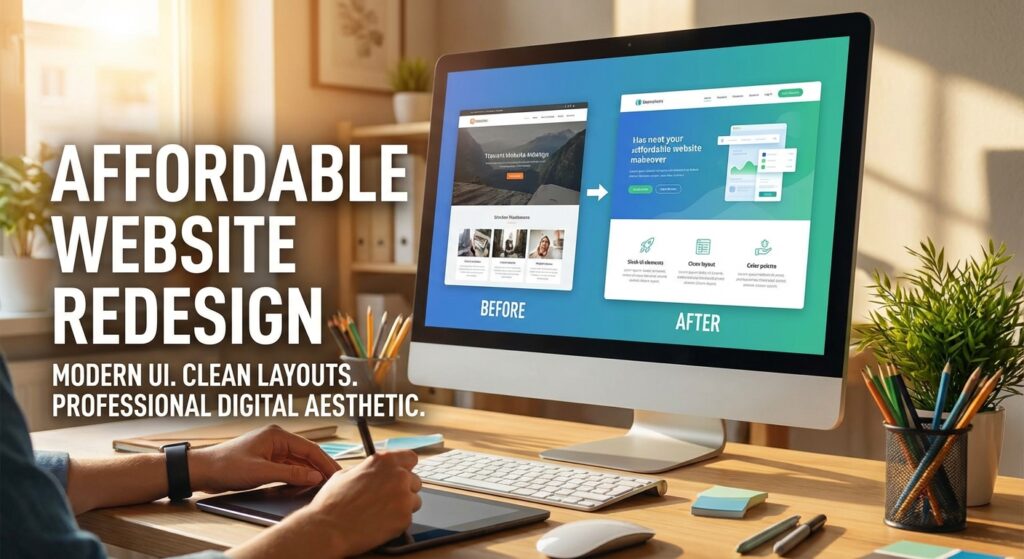
In today’s digital-first world, your website is more than an online brochure — it’s your storefront, lead generator, and brand credibility builder. If your site feels outdated or underperforms, an affordable website redesign may be exactly what your business needs.
The good news? A redesign doesn’t have to drain your entire marketing budget. With the right strategy, you can modernize your website, improve SEO, and increase conversions — all while staying cost-conscious.
Why an Affordable Website Redesign Matters in 2024
The digital landscape evolves rapidly. What looked modern five years ago may now appear slow, cluttered, or difficult to navigate.
A strategic redesign helps you:
- Improve first impressions
- Increase user engagement
- Boost search engine rankings
- Improve mobile performance
- Strengthen brand credibility
- Increase conversion rates
An outdated website costs you more in lost opportunities than a well-planned redesign ever will.
What Makes a Website Redesign Affordable?
An affordable redesign doesn’t mean cutting corners. It means making smart, strategic decisions such as:
- Choosing the right platform
- Prioritizing essential features
- Reusing and optimizing existing content
- Avoiding unnecessary custom development
- Phasing enhancements over time
Affordability is about efficiency — not compromise.
7 Smart Strategies for an Affordable Website Redesign
1. Choose the Right Platform
Platforms like WordPress, Wix, and Squarespace offer powerful tools at reasonable costs. WordPress provides flexibility, while managed builders simplify maintenance.
2. Use High-Quality Templates
Modern, responsive templates provide professional design without the cost of custom builds.
Look for themes that are:
- Fast-loading
- Mobile-friendly
- SEO-ready
- Customizable
3. Prioritize Core Pages First
Focus on high-impact pages such as:
- Homepage
- Services
- About
- Contact
Advanced features can be added later in phases.
4. Reuse and Optimize Existing Content
Instead of rewriting everything, audit your content:
- Update outdated messaging
- Improve clarity
- Optimize for keywords
- Enhance readability
This saves time and budget.
5. Focus on SEO Fundamentals
An affordable website redesign should include:
- Mobile responsiveness
- Fast page speed
- Clean URL structure
- Proper heading hierarchy
- Basic on-page SEO
Skipping SEO often leads to costly corrections later.
6. Consider a Hybrid Approach
You can:
- Use a template
- Hire a freelancer for setup
- Manage content updates yourself
This balances cost and quality.
7. Avoid Overcomplicating the Design
Flashy animations and unnecessary custom features increase cost and slow performance.
Clean, user-focused design converts better.
DIY vs Hiring a Professional: Which Saves More?
DIY
- Lowest upfront cost
- Requires time and learning
Freelancer
- Moderate investment
- Faster execution
Agency
- Higher cost
- Strategic guidance + long-term support
For many small businesses, a freelancer-assisted redesign provides the best balance.
Affordable Website Redesign and SEO: What You Must Know
Redesigning without an SEO plan can hurt rankings.
Ensure your redesign includes:
- Proper URL redirects
- Mobile-first design
- Speed optimization
- Updated meta titles and descriptions
- Structured navigation
SEO should be built into the redesign process — not added afterward.
Common Mistakes That Make Redesigns Expensive
Avoid these costly errors:
- Undefined project scope
- Too many custom features
- Poor communication with designers
- Ignoring mobile optimization
- Failing to plan content updates
Clear planning keeps costs under control.
How Much Does an Affordable Website Redesign Cost?
Typical investment ranges:
- DIY approach: $500 – $3,000
- Freelancer-assisted redesign: $3,000 – $12,000
- Small agency project: $8,000 – $25,000
Your final cost depends on features, integrations, and content needs.
FAQs About Affordable Website Redesign
How long does a redesign take?
A simple template-based redesign can take 2–4 weeks. More complex projects may take 1–3 months.
Will a redesign hurt my SEO?
If done properly, it should improve your rankings. Redirects, mobile optimization, and speed improvements are critical.
Can I redesign my website without losing content?
Yes. Most existing content can be migrated and optimized.
Is a template-based redesign professional enough?
Absolutely — when customized properly, templates can look polished and high-performing.
Ready to Upgrade Without Overspending?
An affordable website redesign is about smart decisions — not cutting quality.
If you’re ready to modernize your website, improve user experience, and grow your business without breaking the bank:
👉 Contact us today for a free consultation.
Let’s build a website that works as hard as you do.