
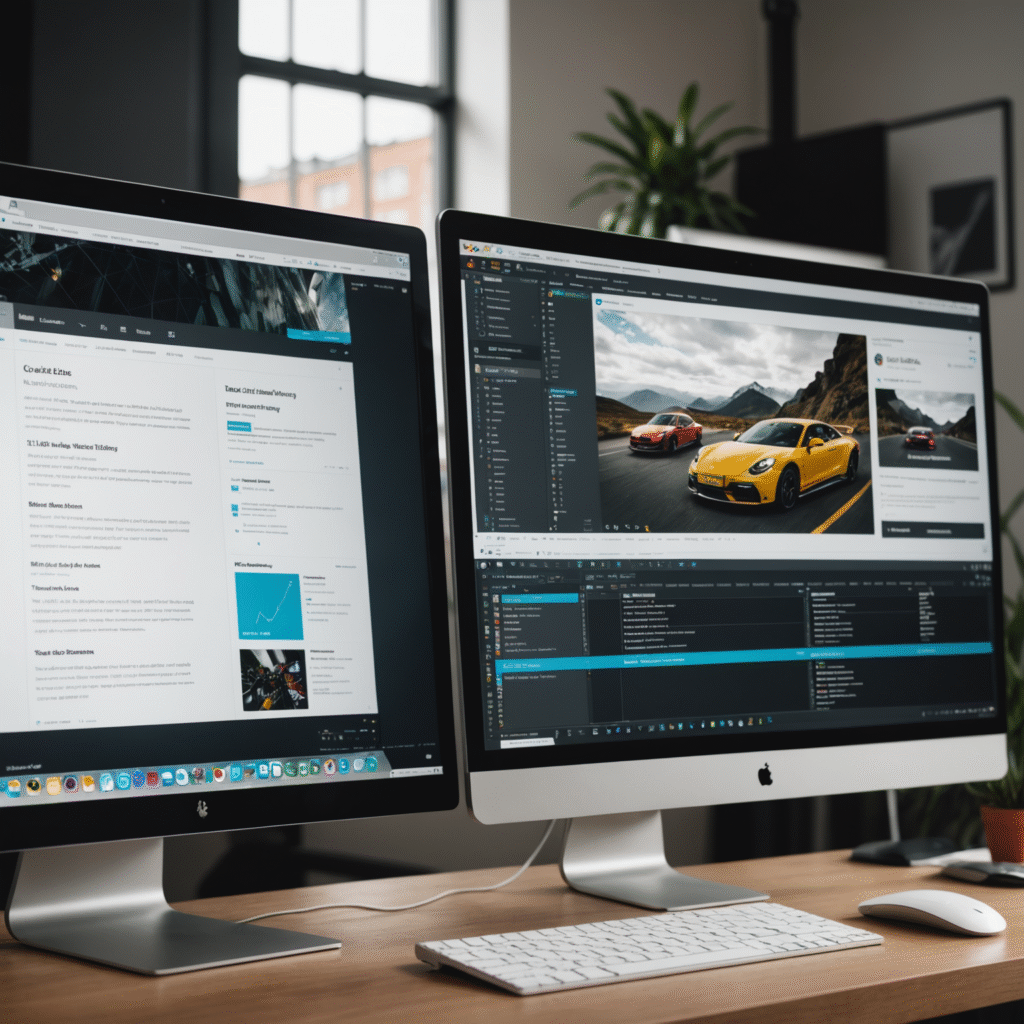
It’s a familiar situation for many website owners. Your WordPress site once felt fresh, modern, and exciting—but now it feels outdated. Your branding has evolved, content feels cluttered, engagement is dropping, or conversions are no longer meeting expectations.
A WordPress website redesign can breathe new life into your online presence—but only if it’s approached strategically. A redesign isn’t just about changing colors or installing a new theme. It’s about improving performance, usability, SEO, and business results.
When done incorrectly, redesigns can cause traffic loss and ranking drops. When done right, they turn your site into a powerful growth asset.
Why WordPress Redesigns Often Go Wrong
Many redesigns fail because they prioritize appearance over performance. Common mistakes include:
-
Redesigning directly on the live site
-
Ignoring SEO structure
-
Overloading themes and plugins
-
Skipping user experience planning
-
Failing to test before launch
According to Google, users abandon sites quickly when usability or performance suffers, even if the design looks modern
(Source: https://www.thinkwithgoogle.com/consumer-insights/consumer-trends/website-design-user-experience/)
The Golden Rule: Always Use a Staging Environment
Why Staging Is Essential
Redesigning a live website is risky. A staging or local development environment allows you to work safely without disrupting visitors.
Benefits of staging:
-
Zero downtime
-
Safe theme and plugin testing
-
Error detection before launch
-
Stress-free experimentation
WordPress.com and most managed hosting providers strongly recommend staging environments for redesigns
(Source: https://wordpress.com/support/staging-sites/)
Back Up Everything Before Making Changes
Your Digital Safety Net
Before starting any redesign, a full site backup is non-negotiable.
A proper backup includes:
-
WordPress core files
-
Themes and plugins
-
Media uploads
-
Database content
-
Site configurations
Even when using staging, backups protect you during migration from staging to live.
According to WPBeginner, backups are the single most important safety measure for WordPress sites
(Source: https://www.wpbeginner.com/beginners-guide/why-you-need-wordpress-backups/)
Define Clear Goals for Your Redesign
Redesign With Purpose
A redesign should solve specific problems. Before starting, define measurable goals such as:
-
Increasing conversion rates
-
Improving mobile usability
-
Enhancing brand consistency
-
Boosting SEO visibility
-
Reducing bounce rates
Design decisions should align with business outcomes—not trends.
Audit Your Existing WordPress Website
Identify What Works Before You Remove It
Before redesigning, analyze your current site to avoid losing high-performing assets.
Audit areas include:
-
Top-performing pages
-
Traffic and engagement metrics
-
Conversion paths
-
Mobile performance
-
Page speed issues
Tools like Google Analytics and Google Search Console are essential for understanding current performance
(Source: https://support.google.com/analytics/answer/1008015)
Prioritize User Experience (UX)
UX Drives Conversions
User Experience (UX) design focuses on making websites intuitive and frictionless.
According to the Nielsen Norman Group, UX directly impacts user satisfaction, trust, and conversion behavior
(Source: https://www.nngroup.com/articles/definition-user-experience/)
Key UX improvements include:
-
Clear navigation
-
Logical content hierarchy
-
Consistent layouts
-
Readable typography
-
Obvious calls-to-action
A visually stunning site that frustrates users will always underperform.
Mobile-First Design Is Mandatory
Mobile traffic now accounts for more than half of all global web usage
(Source: https://www.statista.com/statistics/277125/share-of-website-traffic-coming-from-mobile-devices/)
Mobile-friendly WordPress redesigns must include:
-
Responsive layouts
-
Touch-friendly buttons
-
Fast-loading pages
-
Simplified navigation
Google’s mobile-first indexing means poor mobile UX can directly hurt search rankings
(Source: https://developers.google.com/search/mobile-sites/mobile-first-indexing)
Protect and Improve SEO During Redesign
Avoid Costly SEO Mistakes
Redesigns often damage SEO when URL structures or site architecture change without planning.
SEO best practices during redesign:
-
Maintain existing URLs when possible
-
Use 301 redirects for changed URLs
-
Preserve internal linking structures
-
Optimize page titles and meta descriptions
-
Improve Core Web Vitals
Google confirms that page experience signals influence rankings
(Source: https://developers.google.com/search/docs/appearance/page-experience)
Choose Themes and Plugins Carefully
Performance Over Features
Heavy themes and unnecessary plugins slow down WordPress sites and increase security risks.
Best practices:
-
Use lightweight, well-supported themes
-
Remove unused plugins
-
Avoid overlapping plugin functionality
-
Prioritize speed and compatibility
According to WP Rocket, excessive plugins are a major cause of slow WordPress performance
(Source: https://wp-rocket.me/blog/too-many-wordpress-plugins/)
Refresh Content During Your Redesign
A redesign is the perfect time to:
-
Update outdated copy
-
Improve readability
-
Align messaging with goals
-
Strengthen calls-to-action
Design and content must work together to guide users toward conversion.
Test Thoroughly Before Launch
Testing Prevents Post-Launch Disasters
Before launching, test:
-
Forms and contact pages
-
Checkout functionality
-
Navigation menus
-
Browser compatibility
-
Mobile responsiveness
-
Page speed
According to Smashing Magazine, testing across devices is essential for modern web redesigns
(Source: https://www.smashingmagazine.com/2018/01/testing-responsive-web-design/)
Launch and Monitor Performance
After launch, closely track:
-
Traffic levels
-
Conversion rates
-
Bounce rates
-
Page speed
-
Error reports
A redesign should be followed by ongoing optimization—not abandonment.
Final Thoughts: Redesign With Strategy, Not Guesswork
A WordPress website redesign is a powerful opportunity—but only when guided by planning, UX, and SEO best practices.
By:
-
Using staging environments
-
Backing up everything
-
Setting clear goals
-
Prioritizing UX and mobile performance
-
Protecting SEO
-
Testing thoroughly
You turn your website into a high-performing digital asset—not just a prettier version of the old one.
In today’s competitive digital landscape, how your site works matters just as much as how it looks.